Scope of Competition
Welcome to the 2027 Canada My Country Competition. This annual event celebrates the people who call Canada home and the landscapes that shape our lives — a tribute to the connection between Canadians and the places we belong.
This competition focuses on two areas:
The Landscapes that shape Canada and the People who live within them. Wildlife and animal-focused images are not part of this year’s theme.
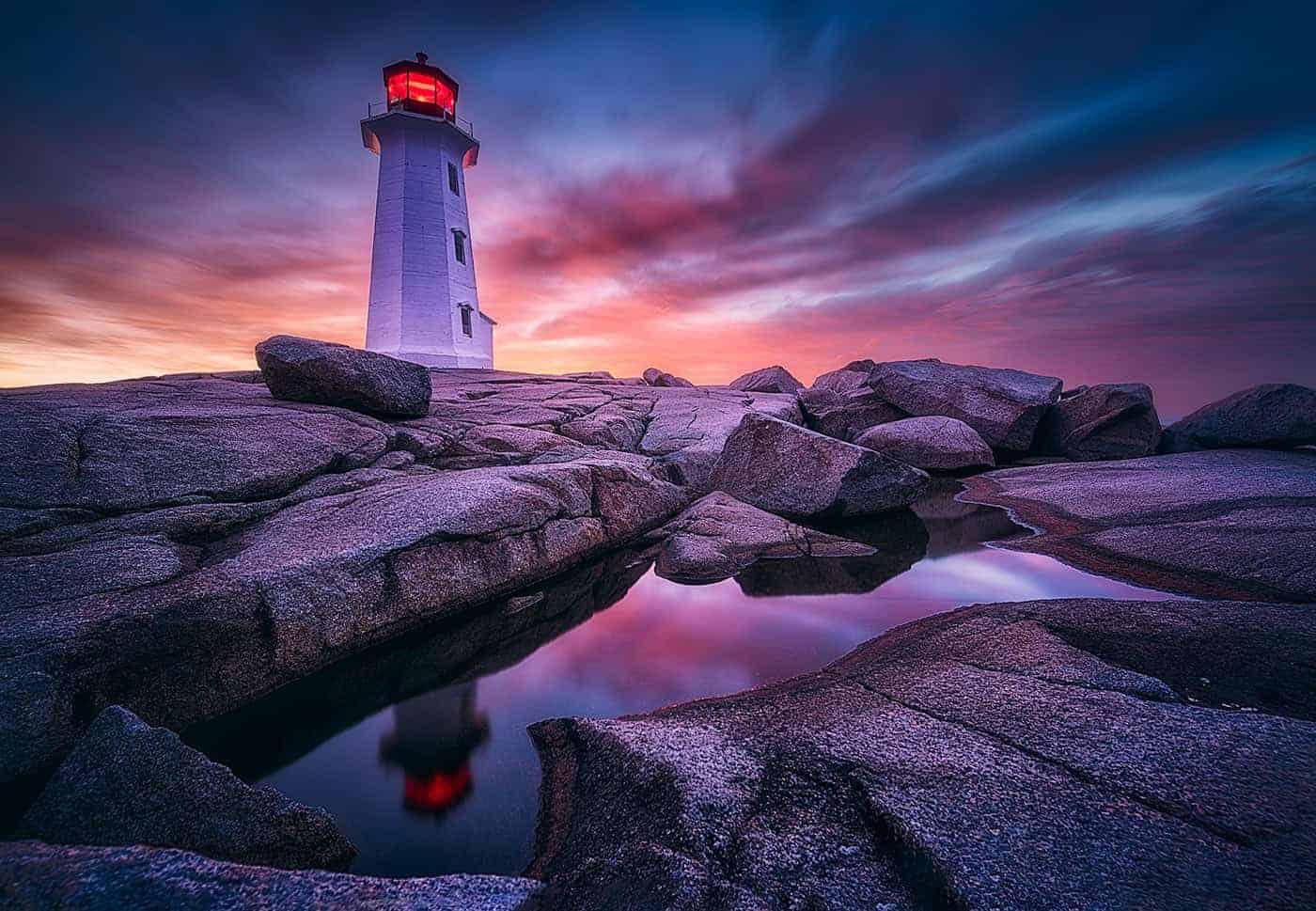
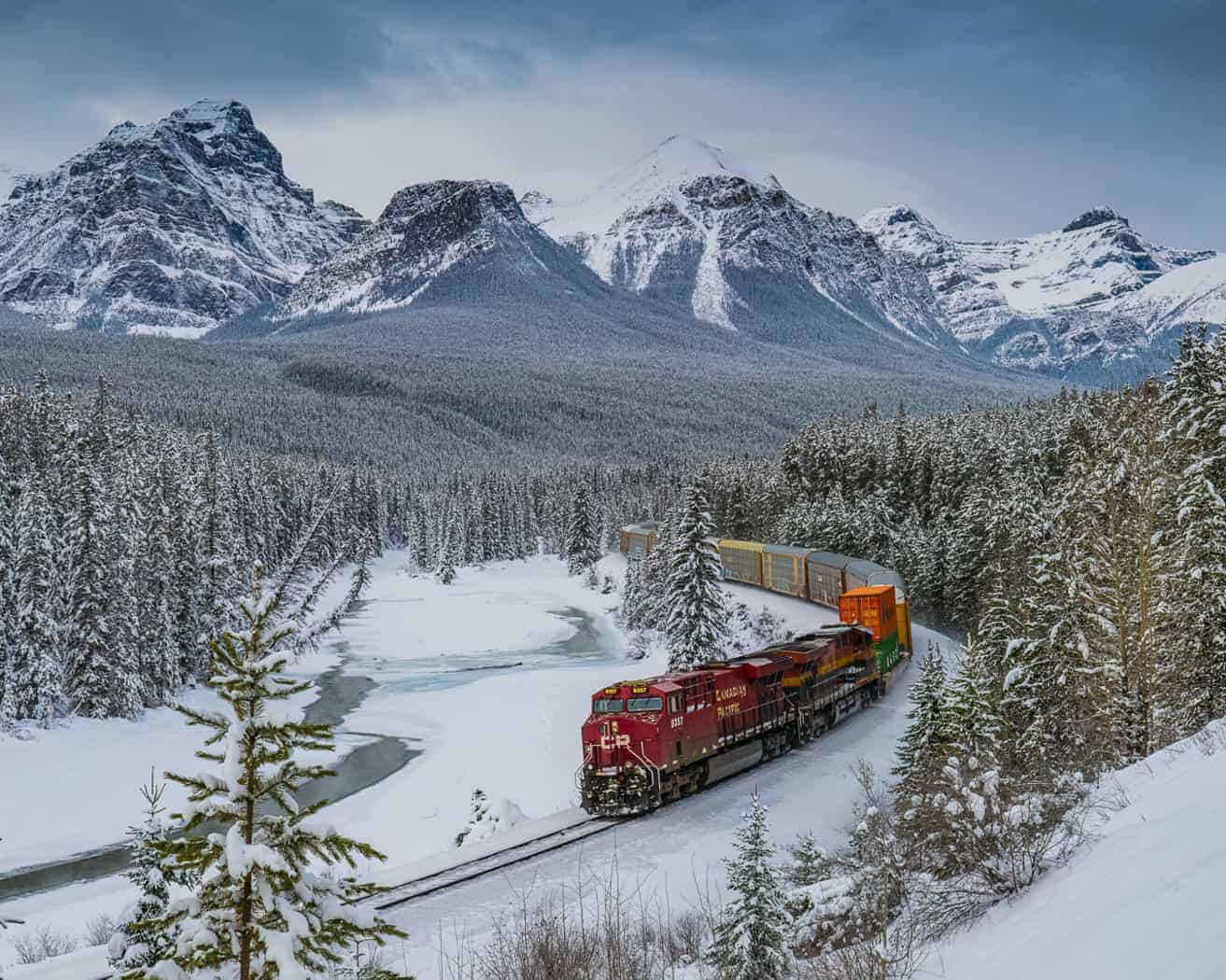
Landscape – From ocean to ocean to the Far North, images should reflect the beauty, character, and diversity of Canada’s natural and human-made environments — the spaces that hold our stories.
People – Photographs of Canadians in everyday life, at work, in community, or simply moving through the places they love. The focus is on authentic moments that reveal the spirit, resilience, and warmth of life in Canada.
Maximum Submitted Images
For camera clubs: a maximum of six (6) images can be entered into the Club category of this competition and all images must be from different photographers. The images must be entered into two (2) different themes, and all images must comply with the respective theme definition.
CAPA Medals will be awarded to entrants with the highest aggregate scores across their submitted images.
Competition Inquiries
Questions about the scope of the competition and/or the editing criteria should be directed to Cheryl Bramble (CAPA Assistant Director of Competitions) cheryl-bramble@capacanada.ca well in advance of the closing day of the competition
Open Date: February 10, 2027
Closing Date of Competition: April 15, 2027 at midnight Standard Time (Ontario).
Check out our – How To Upload Images To CAPA Competition here.
Three weeks after the competition’s closing date, the Final Competition Report can be accessed on the CAPA website under ‘Competition Reports’ and the ‘Competitions’ dropdown menu.
Editing Techniques Permitted:
All In-Camera Techniques: Any adjustments made directly within the camera during image capture.
On-Camera Techniques: Utilizing on-camera features and settings for image enhancements.
Post-Processing Techniques: Editing the image using post-processing software.
Sky Replacement: The replacement sky must have been captured by the same photographer submitting the image into the competition.
Key Line Border: To separate the dark edges of an image from a black digital background, photographers may use a key line border. The width should be between 3 – 5 pixels with a neutral gray (RGB value of 128-180). This fine border should barely be noticeable.
Lightroom and Photoshop presets (including adaptive presets) are permitted as they adjust existing pixels rather than generating content. See CAPA Eligibility Criteria for details
Triptych (Definition & Requirements)
A triptych is a single artwork composed of three separate photographs presented together on one canvas or digital file, with each panel separated by frames or borders.
- Cohesion: The three images must relate to one another — telling a story, showing progression, or exploring a unified visual theme.
- Submission Format: Entrants must submit one JPEG file containing all three panels (including any borders or spacing).
- Important: Uploading three individual files does not qualify as a triptych and will not be accepted.
Editing Techniques Not Permitted:
Images without Photographic Origin: Images that are entirely generated electronically with no photographic origin.
Frames, Borders and Mats: Photographs must not contain any decorative elements like frames, borders, pin-lines (exceeding 5 pixels), or mats. This includes the edges and markings of scanned film. When the frame is integral to the captured image, for instance a window frame or door frame that has been captured by the camera, these elements are permitted.
Updated Submission Authentication Requirements – June 8, 2026
To help photographers understand which AI features are acceptable for our competition submissions, we’ve developed a “List of Approved AI Tools” webpage.
For practical guidance on organizing your files from the start, see our Protecting Your Competition Images (Provenance Guide) webpage.
Original Files and Metadata Protection
For all CAPA competition photographers MUST:
- Retain the original captured image(s)
- Perform all editing on copies;
- Keep originals accessible for quick retrieval, if verification is needed
Verification Requirements for Awards
For potential winning entries, the Director of Competitions MAY request:
- Editing Narrative: a description of how the image was edited and what editing programs were used. Upon receipt of these details, the photographer will be provided step-by-step instructions on how to export the image to include the required metadata.
- Original Files:
Unretouched JPEG or RAW files;
- For in-camera merged images, the camera-generated merged file (HDR, focus-stacked, multiple exposure, or panorama) is the original file. Individual source frames are not required.
- For Camera Club entries: The photographer’s original image as submitted to the club, before any club modifications such as resizing, copyright additions, or other editing.
The following administrative modifications by the club are permitted, provided that the image’s camera and editing details remain unaltered:- Resizing to meet CAPA pixel dimension and file size specifications;
- Adding a copyright to the metadata or club identifier, when exporting from Lightroom to JPEG at the required quality setting;
- Renaming files to comply with CAPA entry naming conventions.
Retention of the photographer’s original submission is the responsibility of the individual photographer, not the club.
Working Files (choose based on your workflow):
- Photoshop: Layered PSD file with all editing layers intact. Users who require the flattening of their image file for functionality integrity and/or storage reasons must retain a PSD file or a set of PSD files prior to each flattening so that all editing history is retained.
- Lightroom:
- Preferred: Original RAW file + XMP sidecar file, OR DNG file with embedded edits
- Acceptable: Layered TIFF if you didn’t use RAW/XMP/DNG workflow
- Other Applications: Original RAW file + any proprietary sidecar/settings files that preserve editing history
These files provide a complete audit trail demonstrating compliance with competition specifications.
Failure to provide requested image files within the specified timeframe will result in entry withdrawal and recalculation of competition results.
Accepted Image Types:
Colour images
Black & White images
Colour images converted to black & white
Infrared images which can contain a range of colours beyond black & white
Title of Image
- The Image Title is limited to 32 characters and can be in either English or French;
- The photographer’s name or the club’s name must not appear in the Title of the image, nor be placed in the Title Field.
- The title cannot include special characters or symbols. Examples/ -+=! ? & $%*{} [ ] @ # &) (
- Choose a simple title that sets the mood or perspective of the image. Do not use Untitled. Titles may be considered during judging, so select one that supports the image’s vision or message.
Image File Name
The image file name that you create should also be short and simple, and could be the same as the Image Title. Please do not use long image file names.
Image Size – Dimensions
The image should be re-sized to meet the following two parameters:
- Saved as a jpg image with a maximum file size of 1.8 MB.
- Dimensions: Maximum horizontal size: 1400 pixels and maximum vertical size: 1050 pixels.
Example of Image Sizing – Double-click to view image
Images smaller than the maximum dimensions are acceptable only if one of the sides meets the required limit:
1400 pixels on the horizontal side, or 1050 pixels on the vertical side.
Examples: 1050 × 1050 (square); 1400 × 800; 700 × 1050
During the uploading process our online competition system will verify if the image is less than 1.8 MB and meets the two parameters.
If your image fails this verification process, you will see an on-screen error message explaining which parameter requires adjustment.
Depending on the error message – you will need to either reduce the file size of the image to be 1.8 MB or less or resize the dimensions of your image. After doing so, please retry uploading your image.
Suggestions – Use sRGB colour space for your image. For colour accuracy: we strongly recommend that you calibrate your monitor to ensure colour accuracy from your monitor to the image projected to the judges.
Judges score images primarily on Creative Intent — the originality, expressiveness, and imagination used to tell a story or evoke an emotional response. They also consider how well the Organizational and Technical components support that intent:
Organizational: composition, design, use of space, balance, lighting, and overall presentation.
Technical: exposure choices (aperture, ISO, shutter speed), sharpness, and any in-camera or post-processing techniques permitted by the competition (e.g., ICM, colour work, monochrome, HDR, focus stacking).